Overview
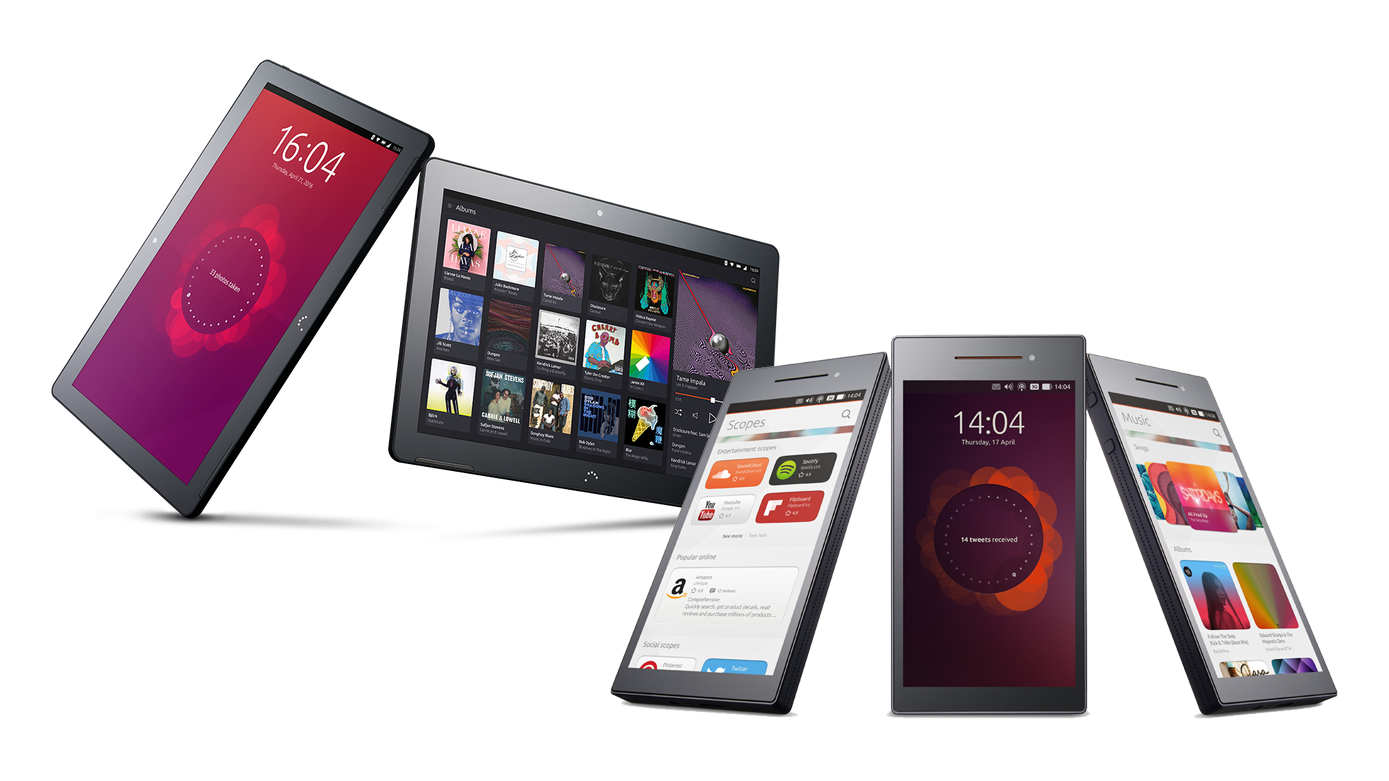
Ubuntu Touch is a mobile operating system. It was developed as part of Ubuntu’s strategy to grow its base of 20 million users on the desktop by pursuing a vision of device convergence, extending it’s desktop operating system to initially drive, phones and tablets, and later, other form factors as TVs and wearables.
My responsibility was to lead the design team to define, design and detail the user experience and interface of the operating system and a set of core applications.
role
Lead designer
Company
Canonical
period
2010 - 2013
Process

Tablet UX Strategy
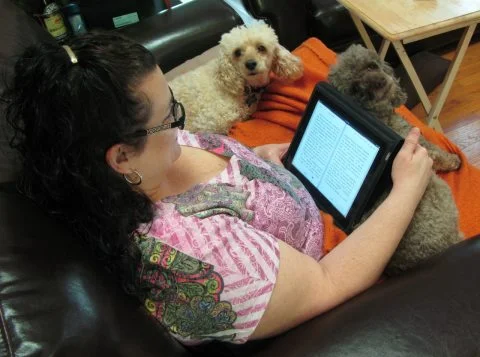
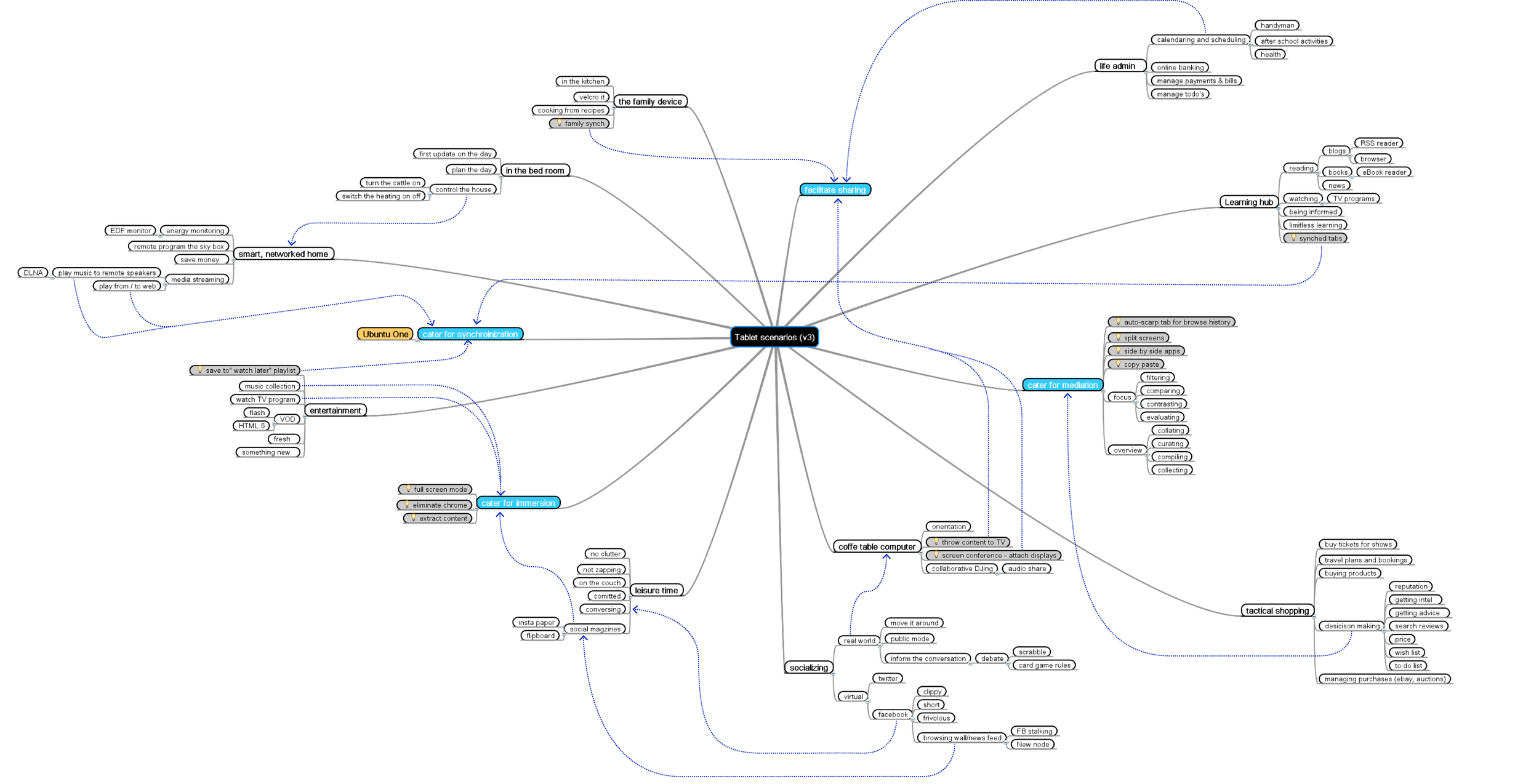
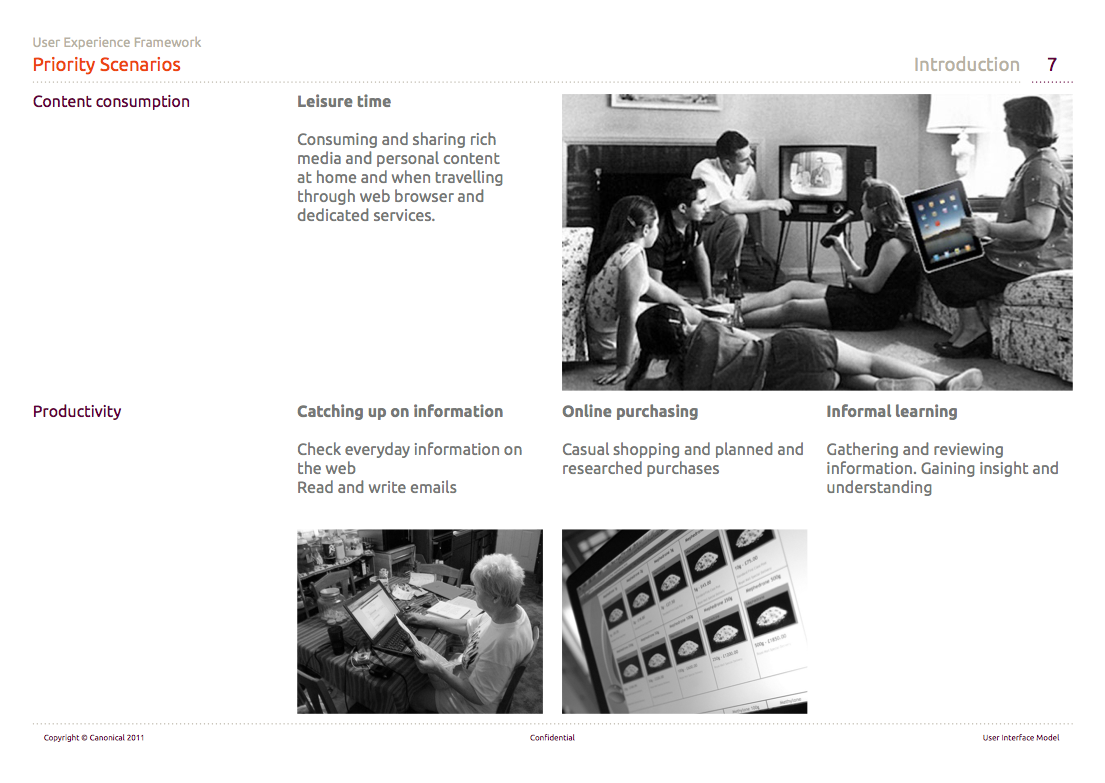
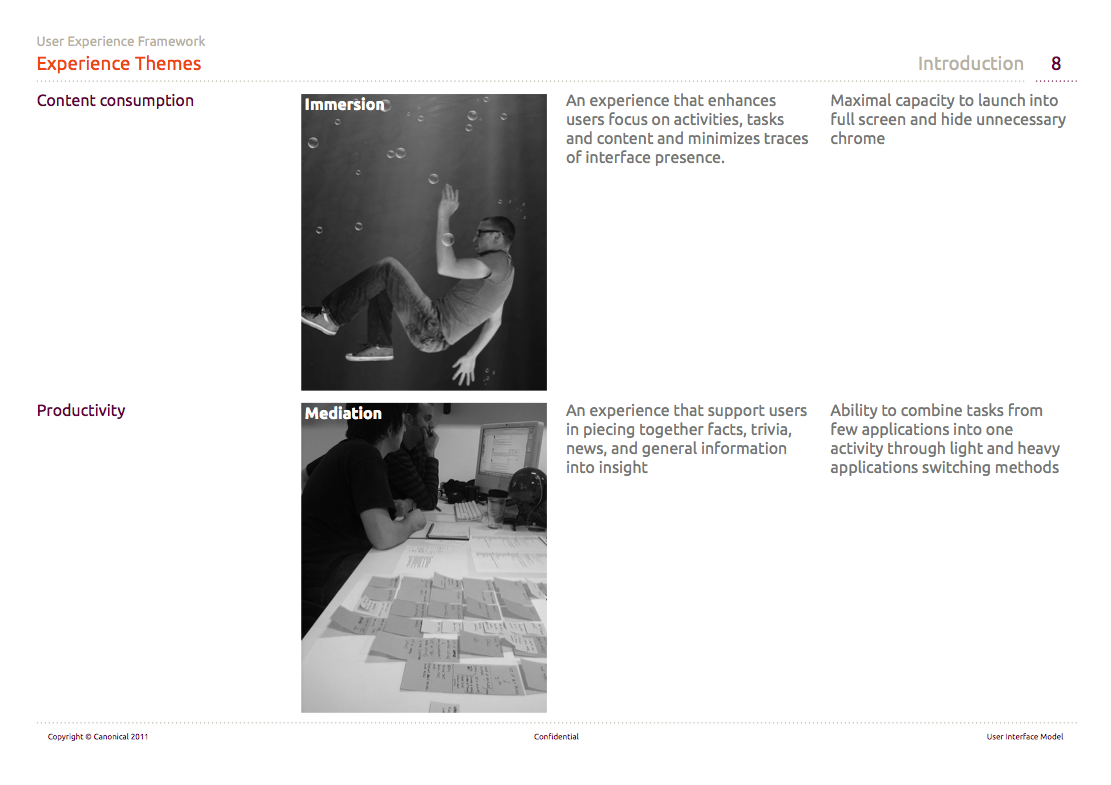
The project commenced with observations of early adopters and novice tablet users in their homes and a week long tablet use diary. These revealed that both audiences want to do more than content consumption on tablets. In particular three additional scenarios were identified on top leisure time (“content consumption”) - catching up on information, online purchasing and informal learning (“everyday productivity”). Scenarios were in turn translated into experience themes as “immersion” and “mediation” (piecing together information and content).
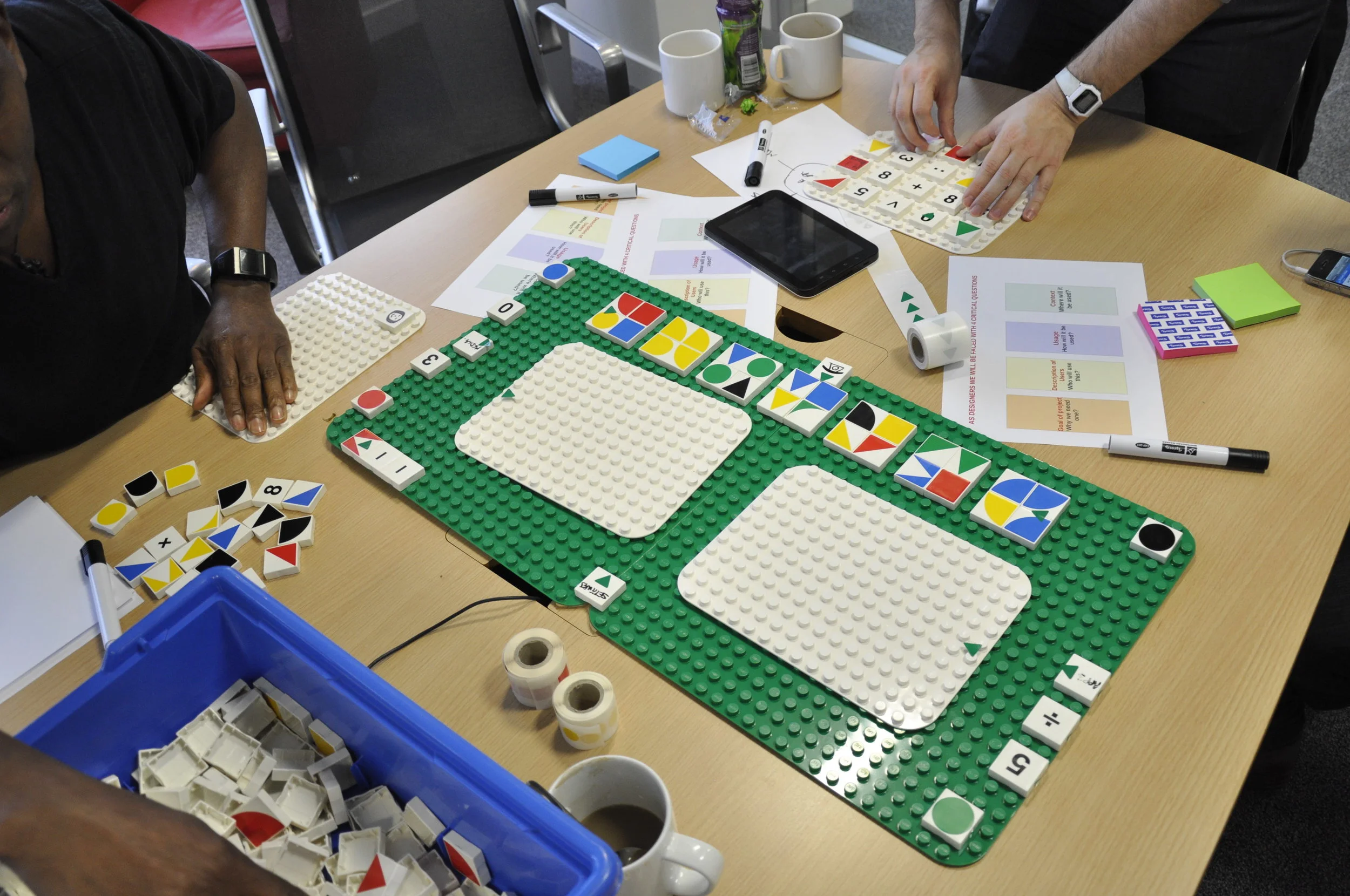
Finally through a series of workshops with stakeholders the team established an initial take on design principles. These were revisited a number of times as the work on the concept progressed.
System UI
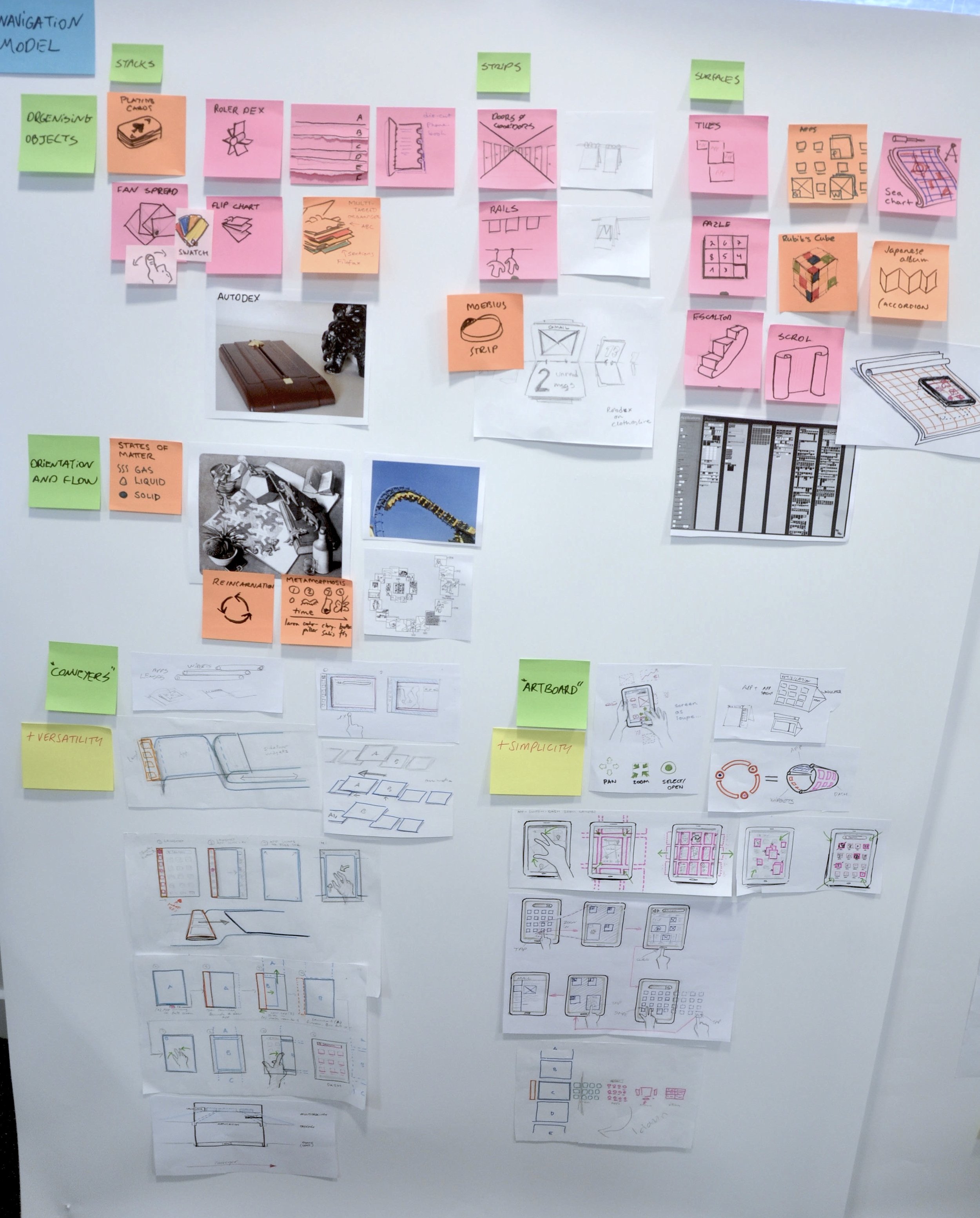
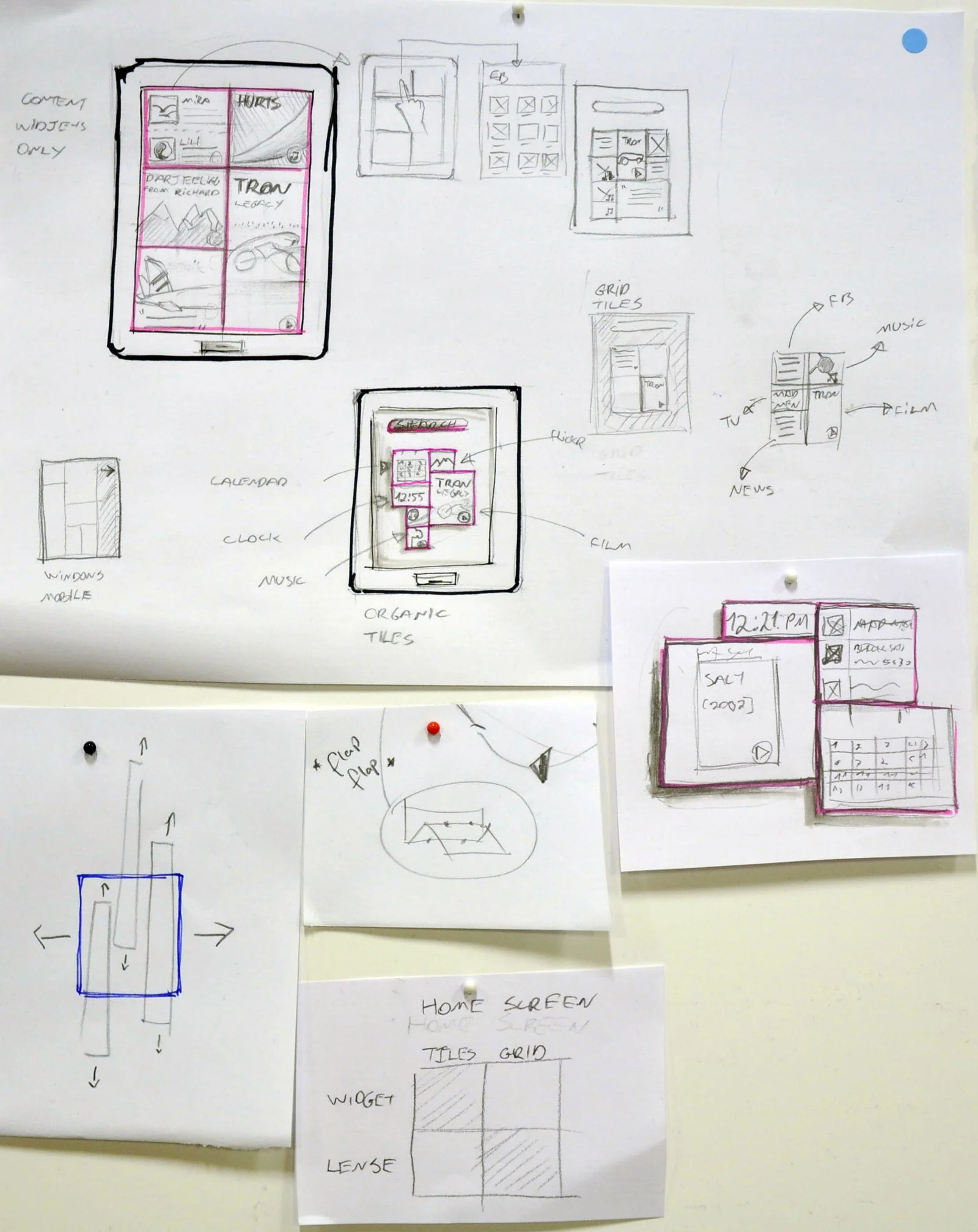
Initial ideas evolved from sketches and storyboarding through paper prototypes to fully interactive prototypes running on target devices. One major decision taken was to focus on screen edges as key navigation pattern (an idea initially surfaced in co-creation of tablet interfaces with advanced users).
The model that was established had two metaphoric axises. A horizontal axis catering for application launching and switching (left edge as “forward” and right edge as “back”). And a vertical axis catering for random access to features - top edge to priority system features (quick settings, notifications and search) and bottom edge to application controls (i.e. toolbar).
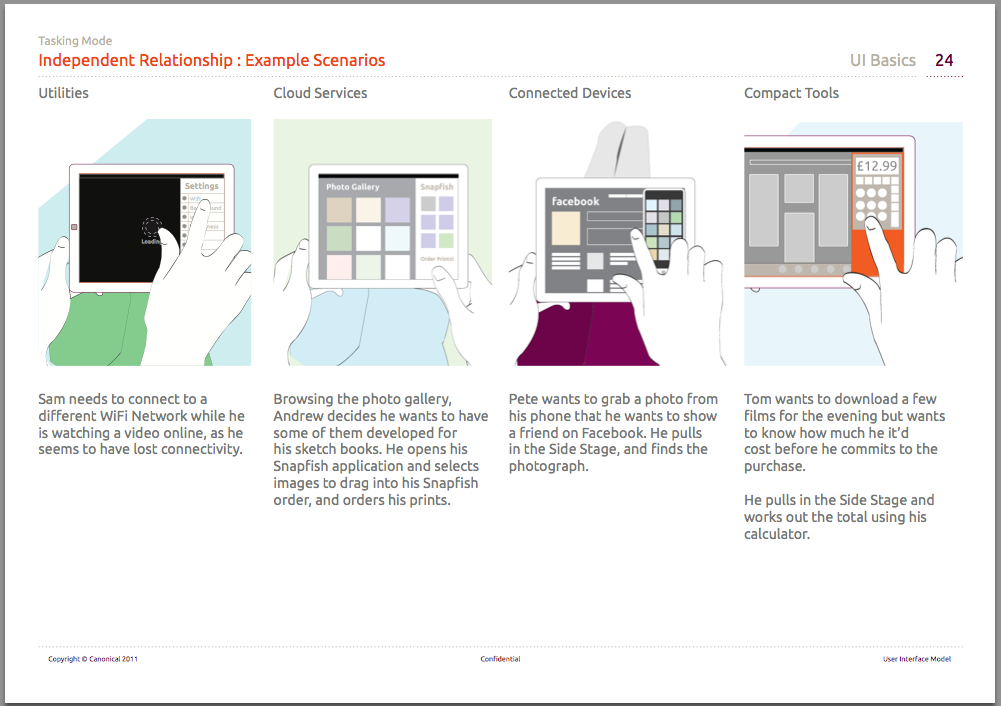
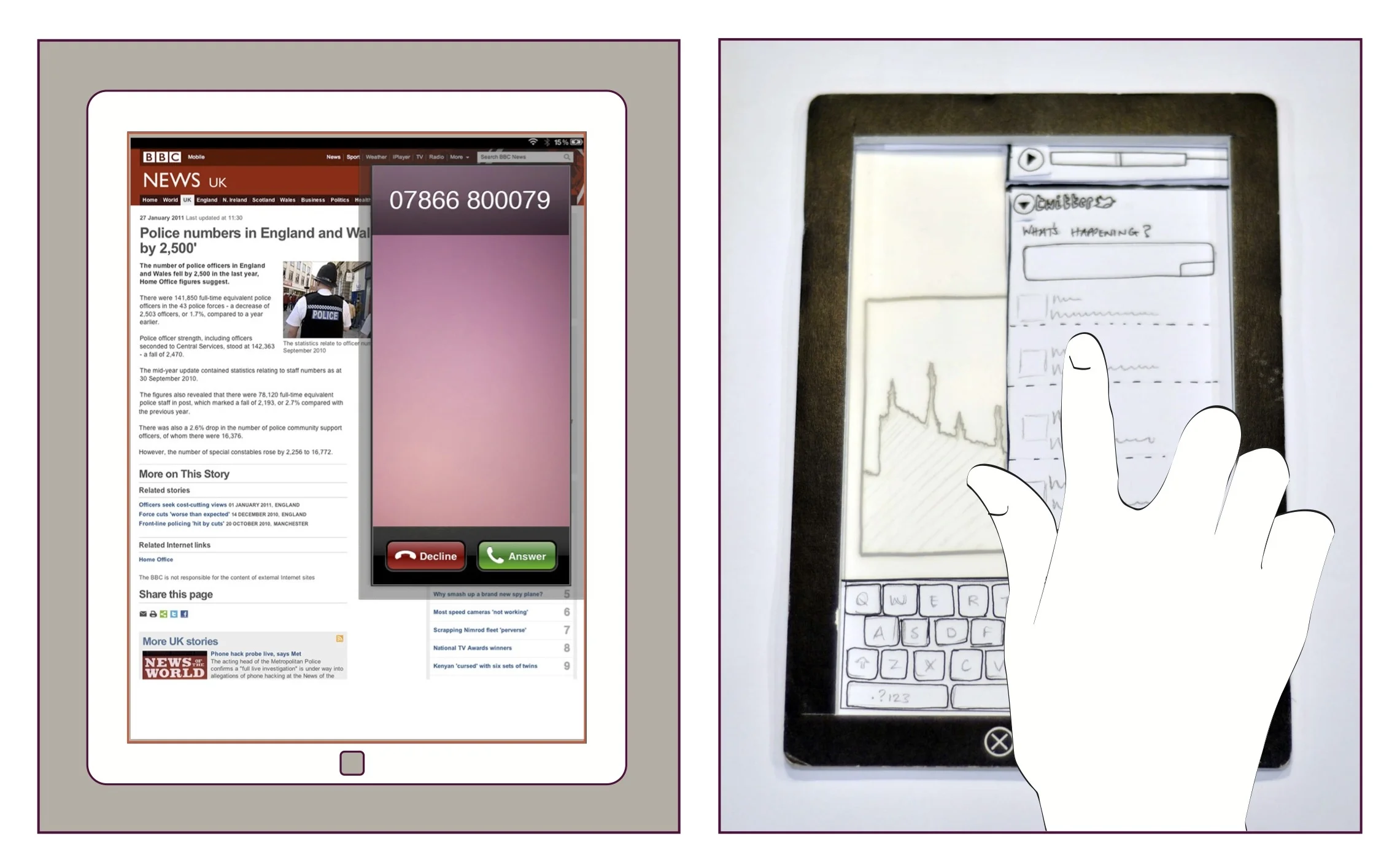
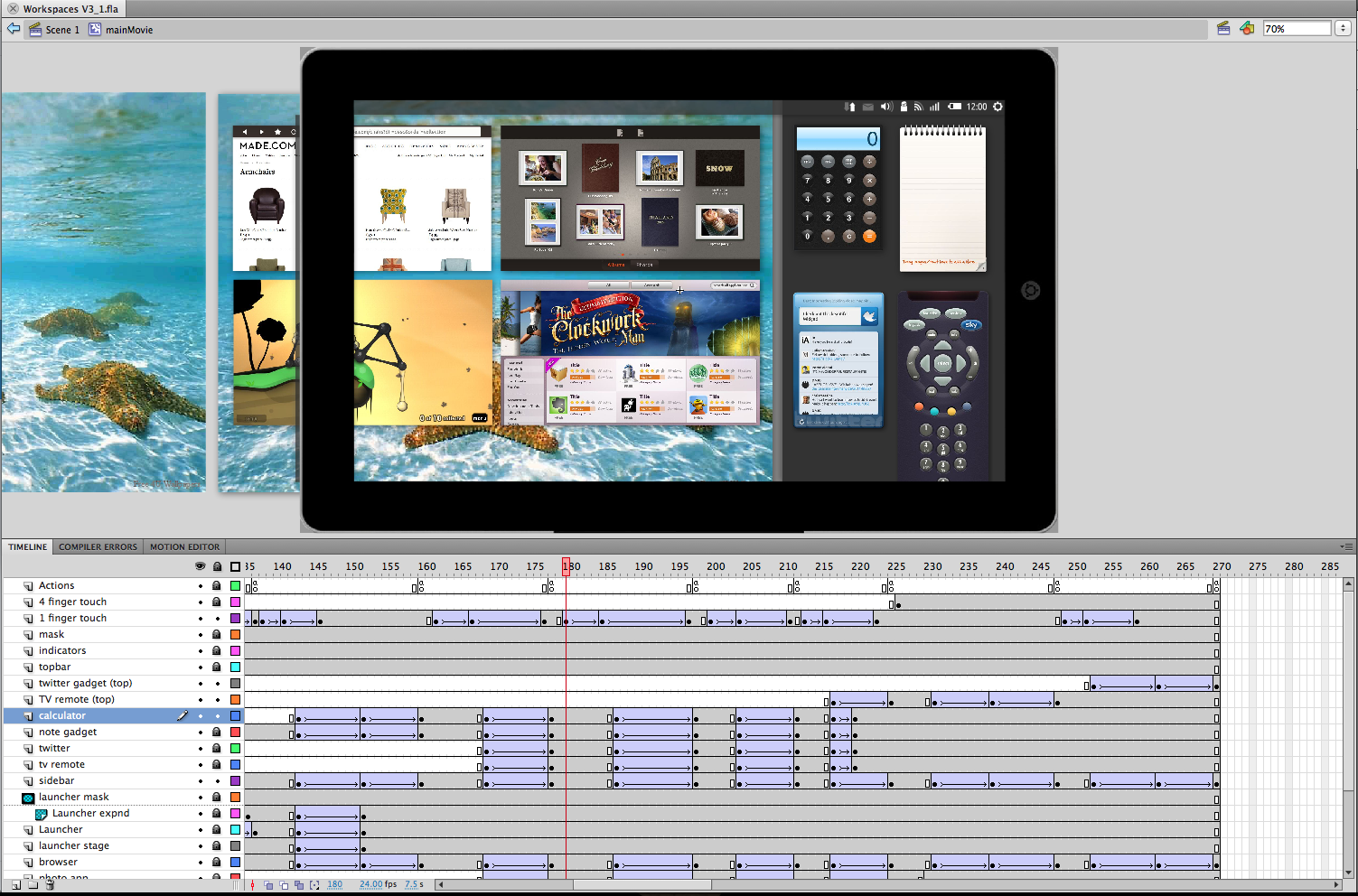
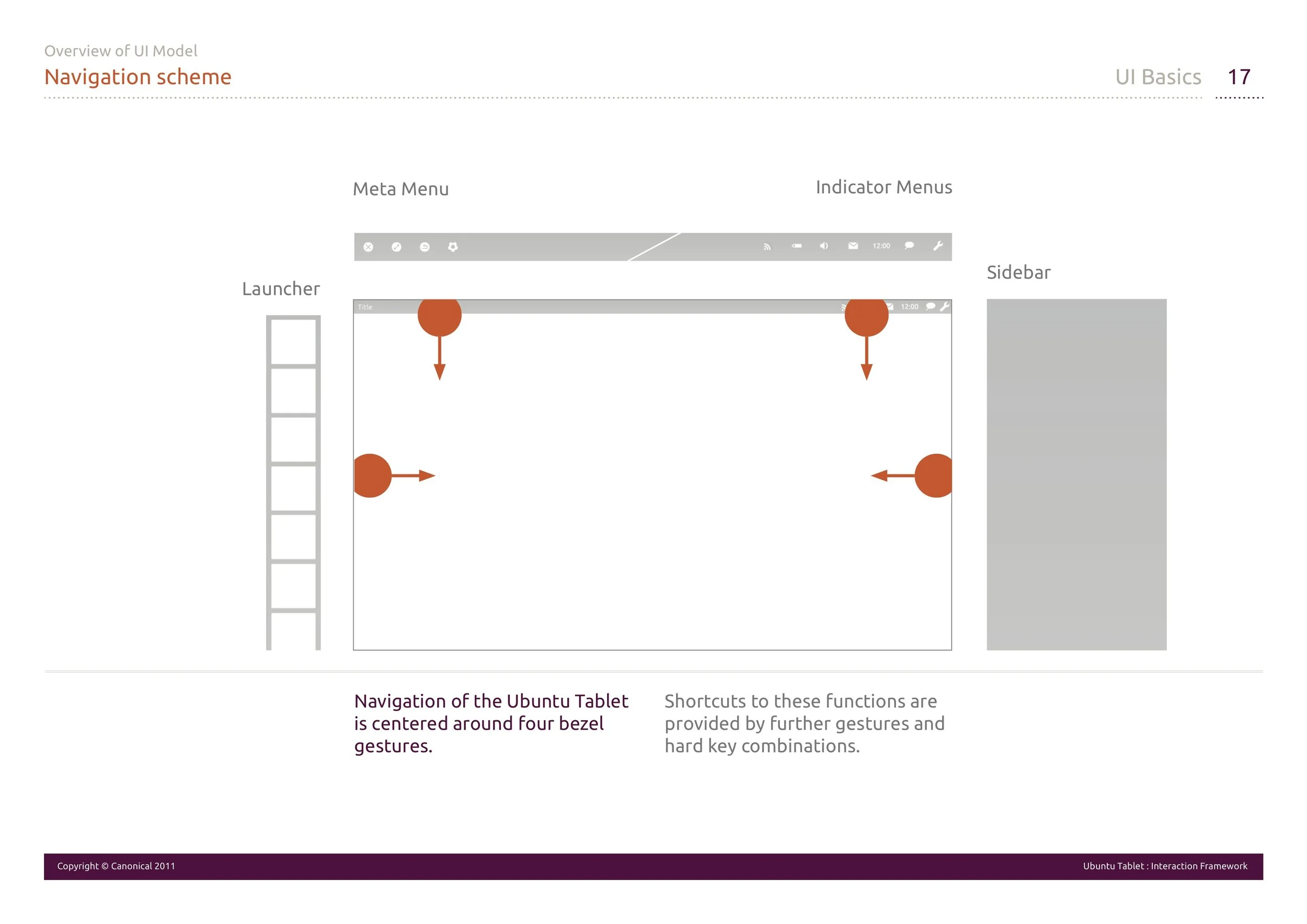

System UI at the end of concept phase
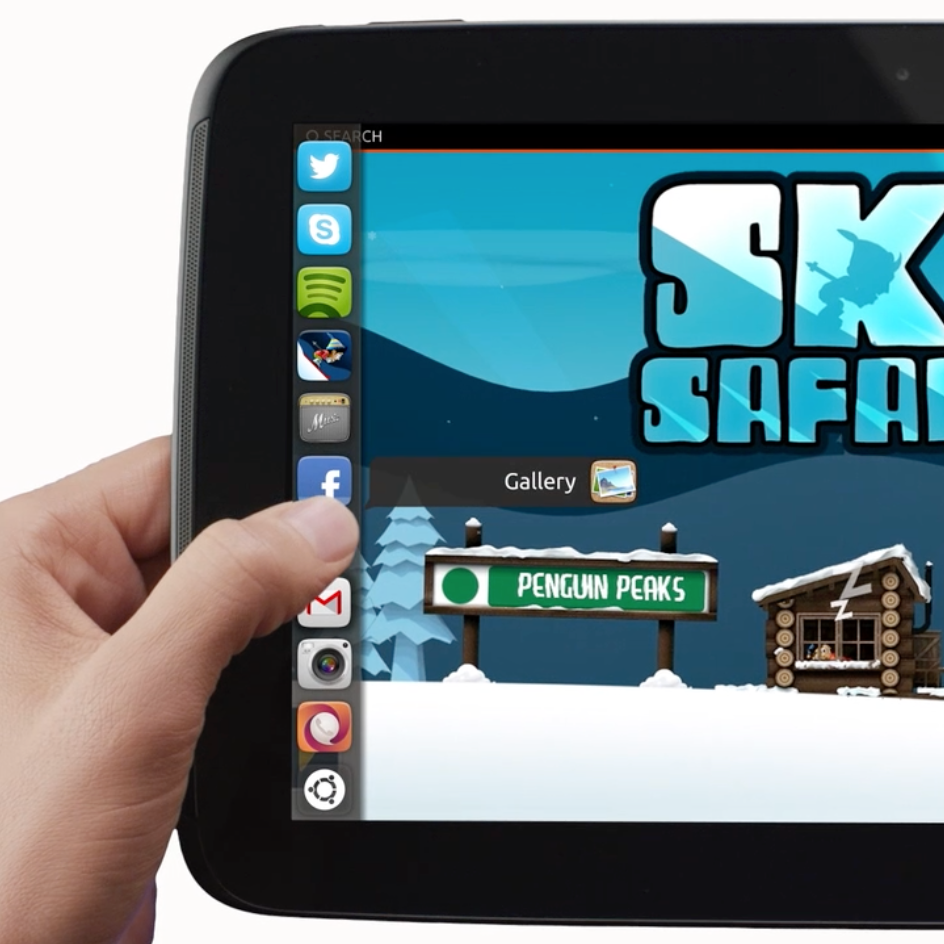
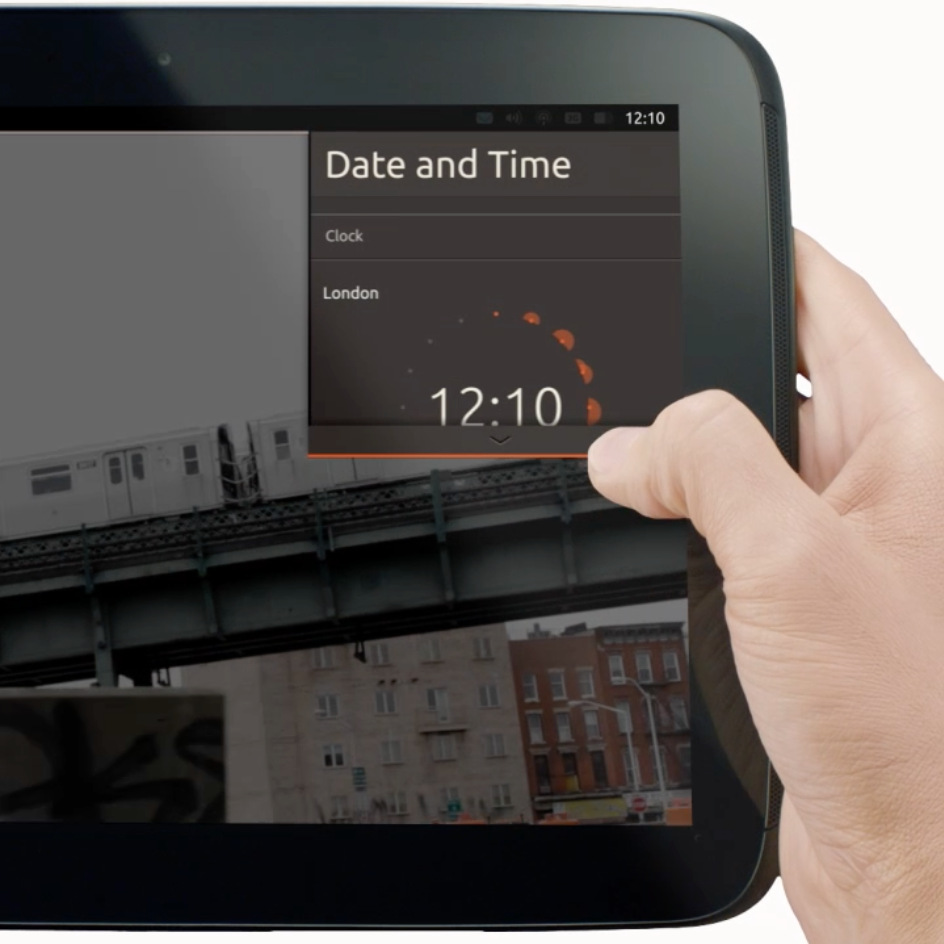
Bezel interaction & thumb operation
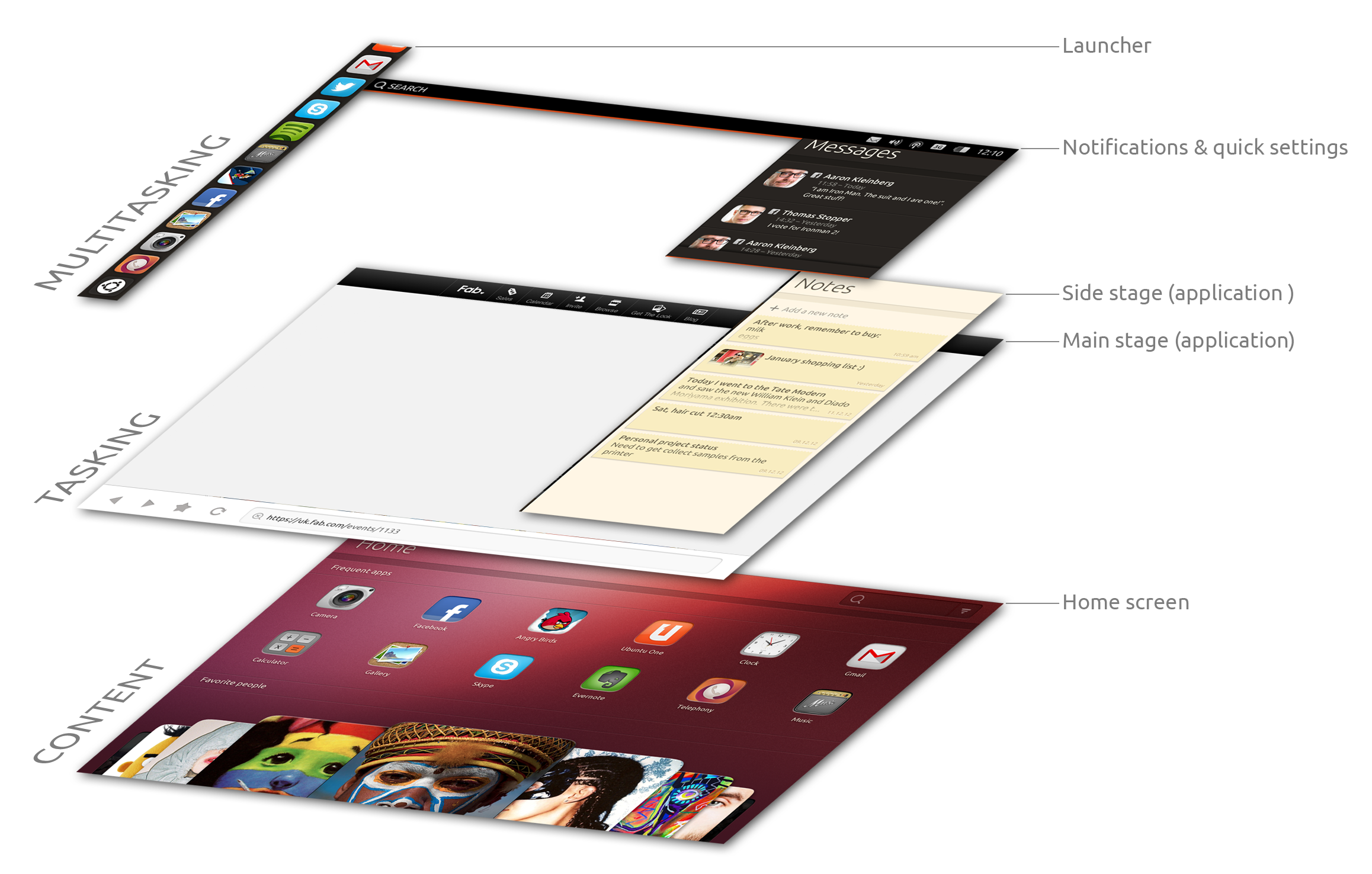
UI Architecture
System UI specification
Top edge interaction
Home Screen
An initial obvious observation was that users, default to the home screen, in idle time, as it is the natural starting point for journeys. Appropriately it became clear that content and information most important for the user, should be instantly available straight from home screen.
The Ubuntu home screen enables personalised, customisable access to user’s most useful content - apps, music, videos, people, places, documents, as well as any other related content either on the device or from the web. Both are made available through an open ecosystem of feeds that are provided by the operating system and partners.
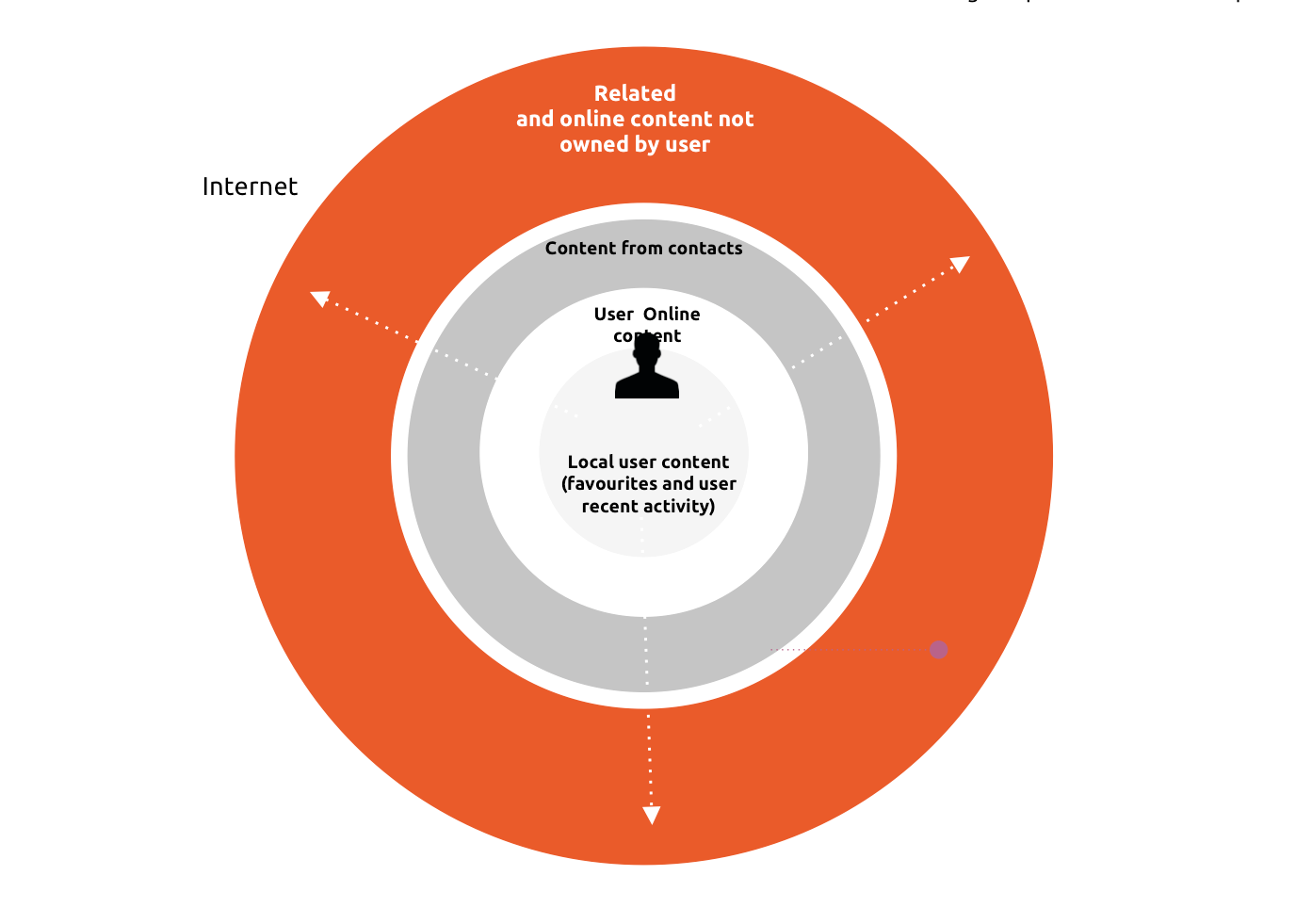
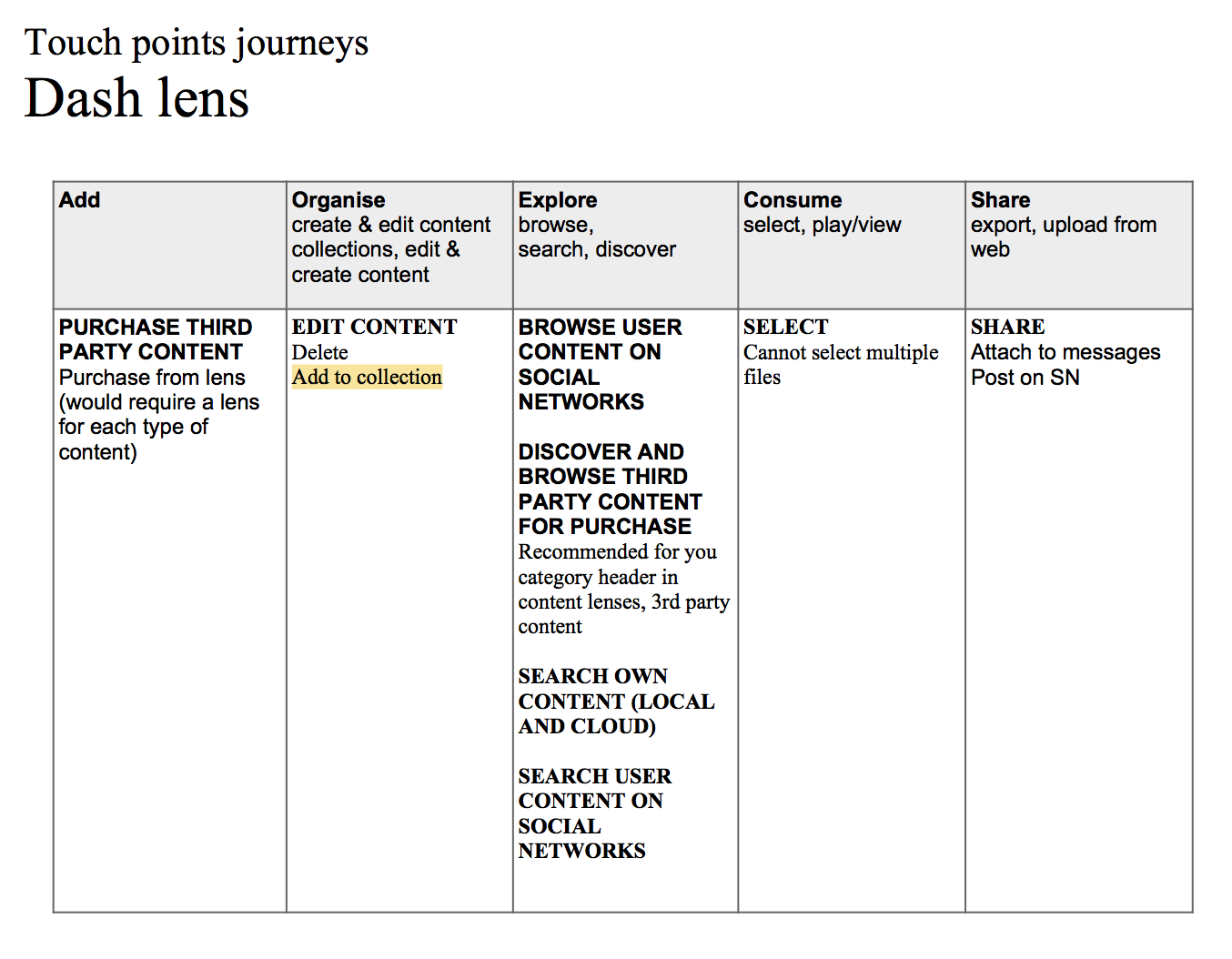
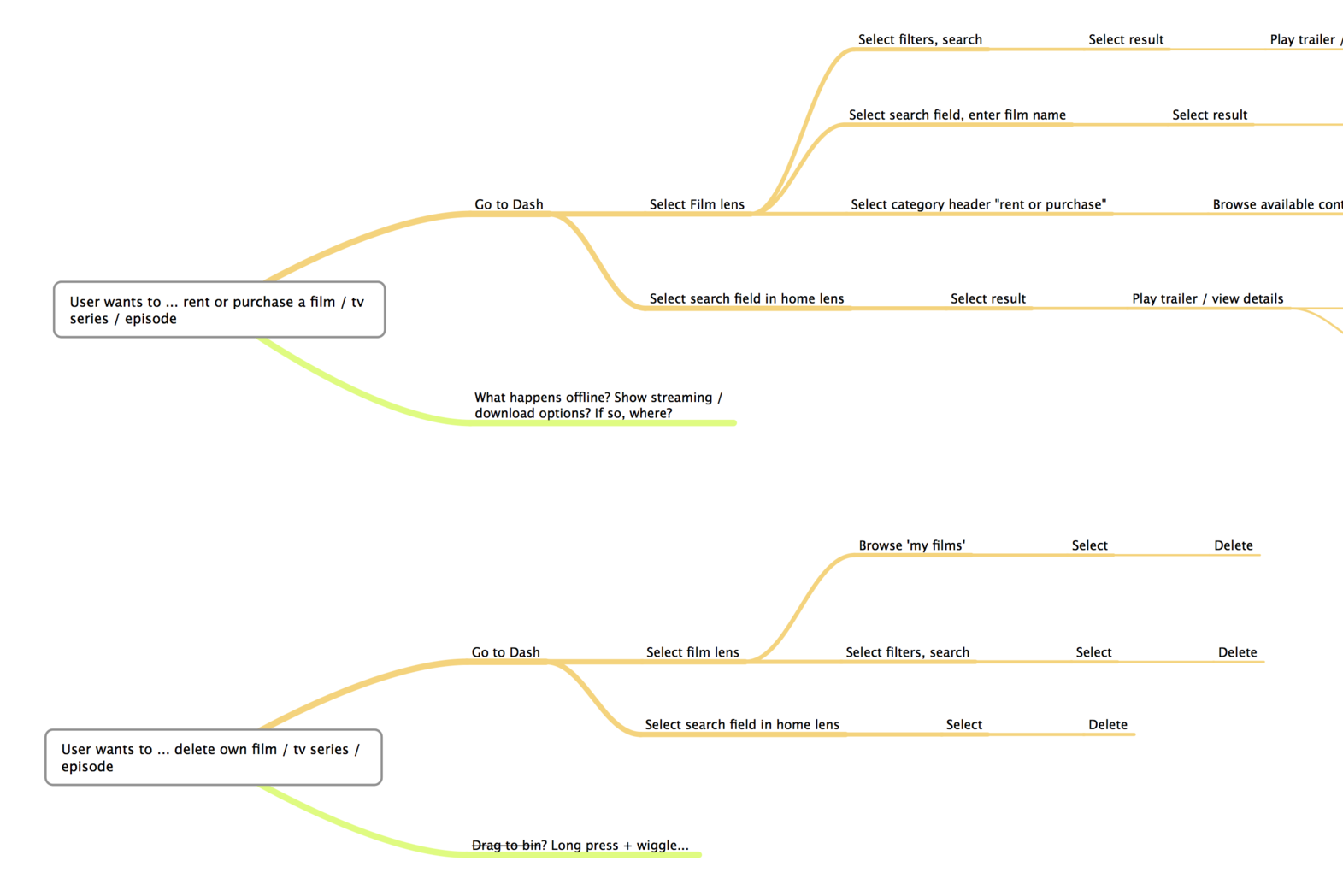
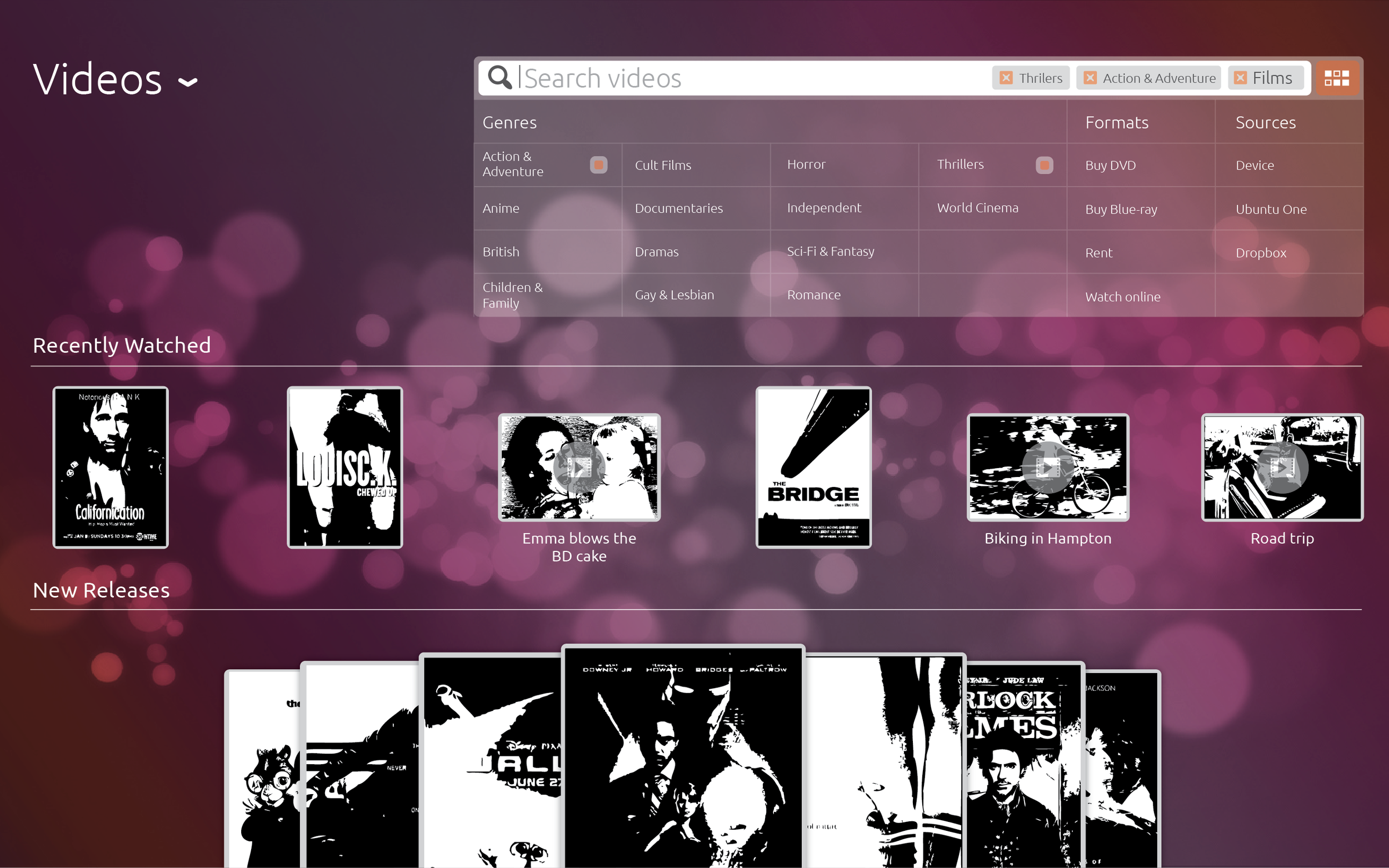
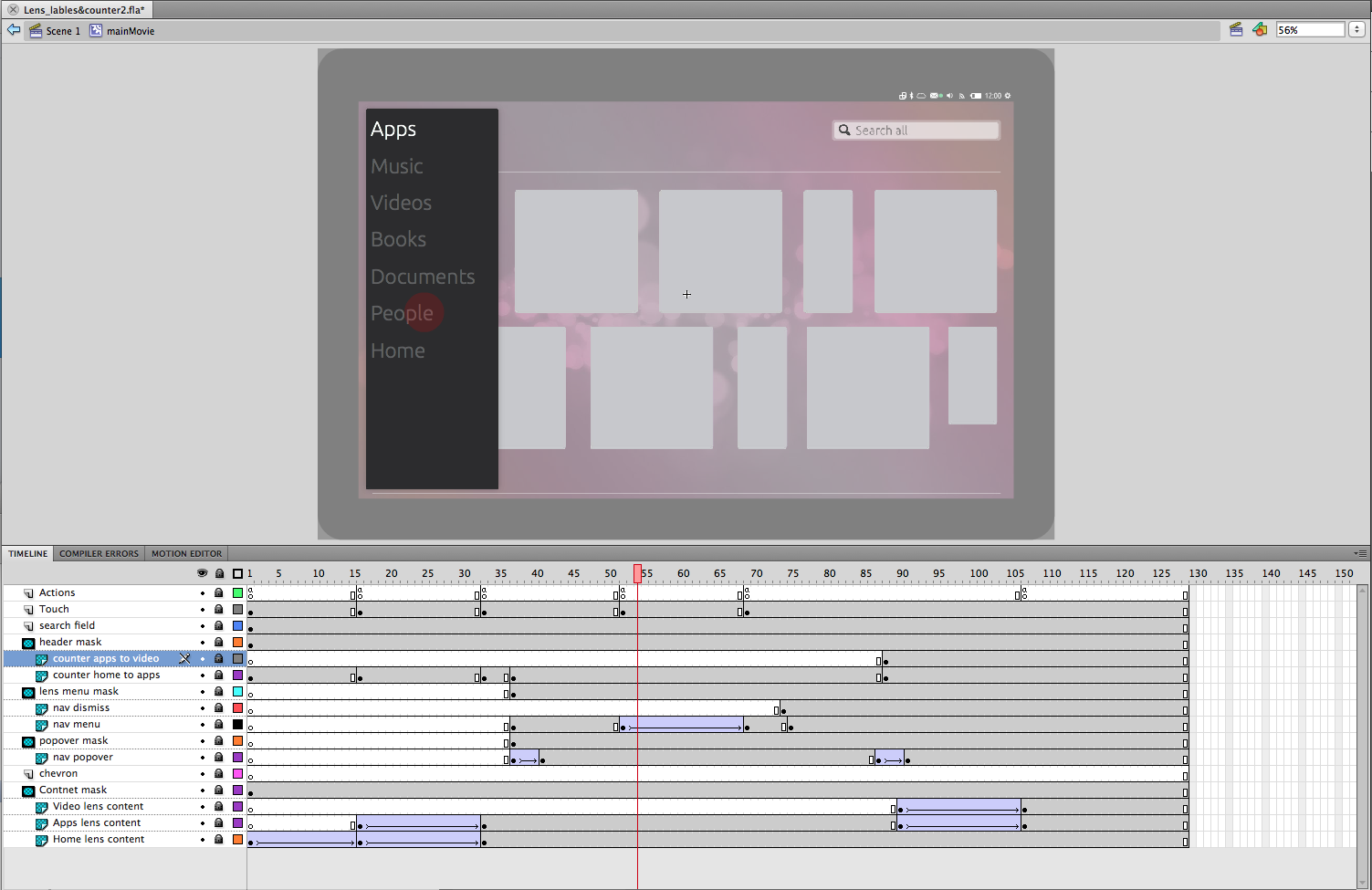
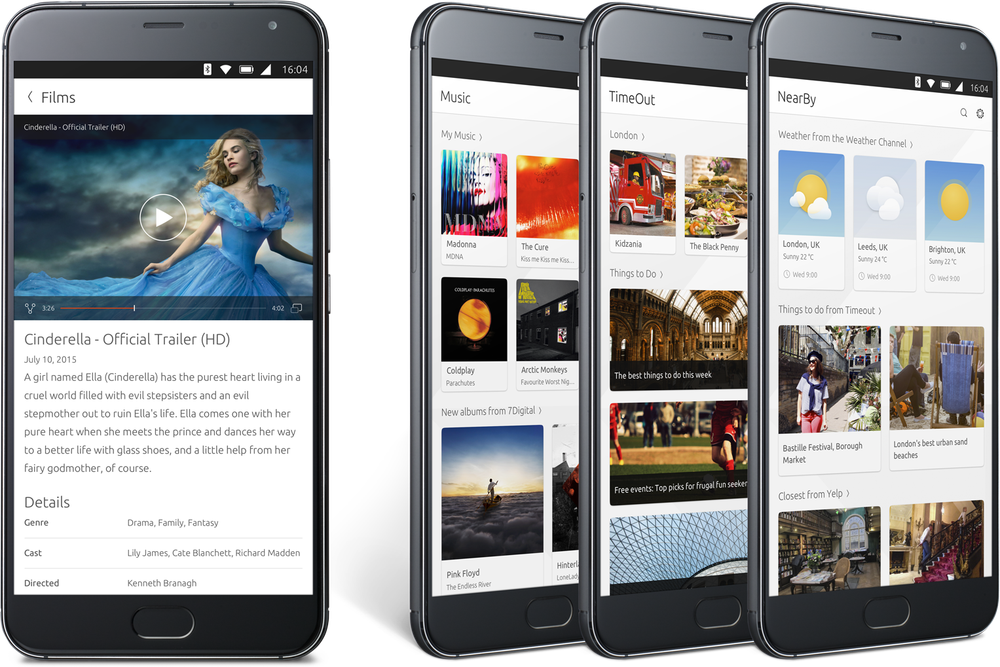
Home Screen Scopes (views)
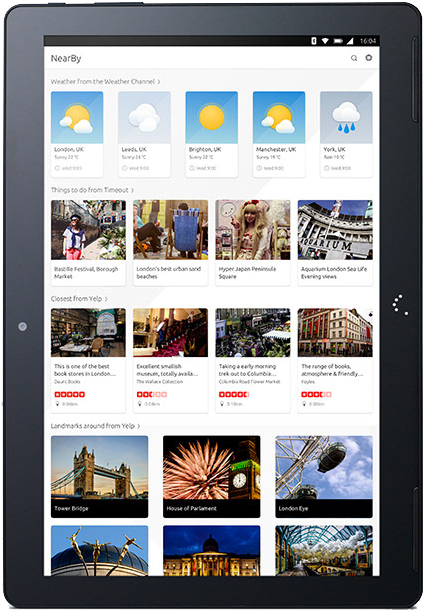
Nearby Scope
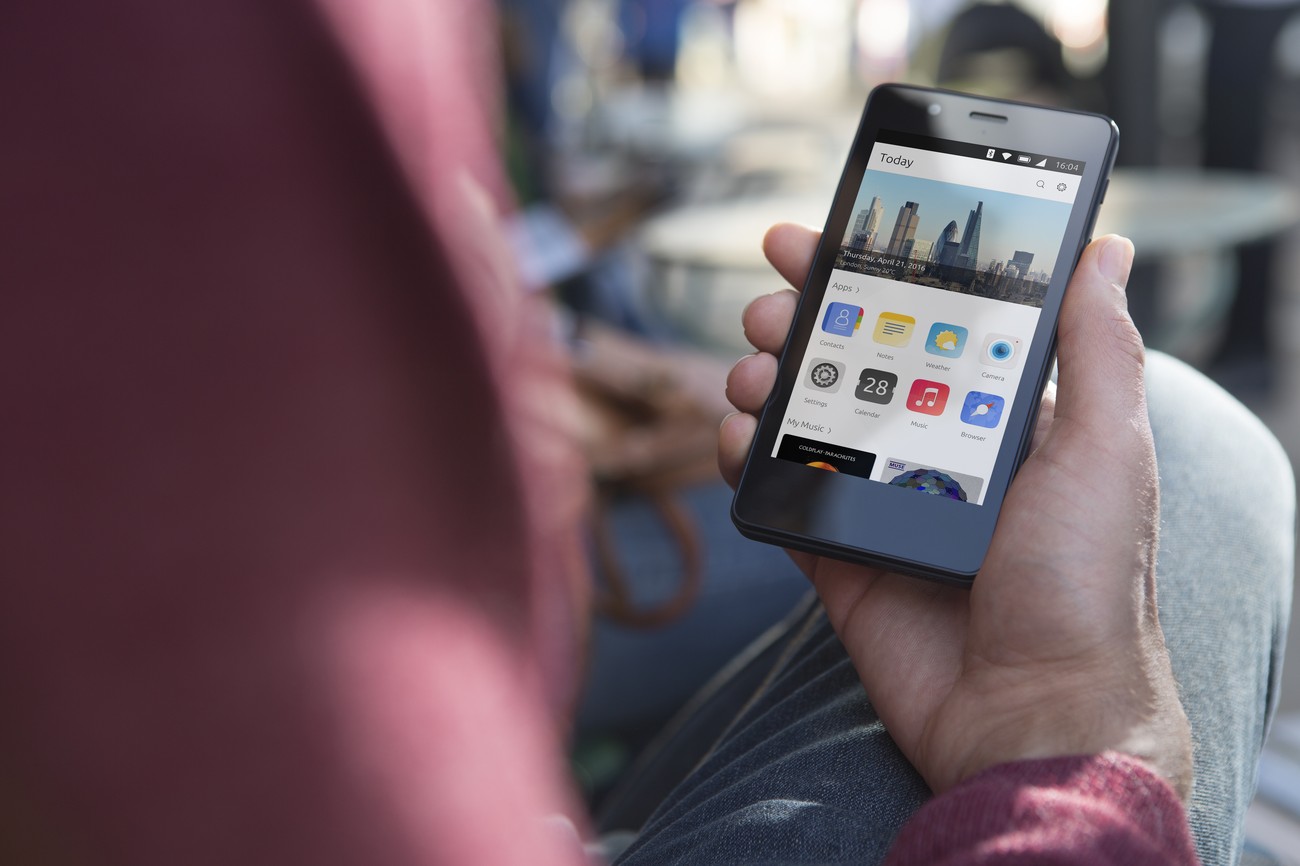
Today scope